Create your listing brochure
Start from a fact sheet and we'll pull the facts out for you to check. Or type it in — every field is optional except the address, a cover photo and your company name.
What you’ll getPrint-ready pages in your branding. Review every page before you pay.
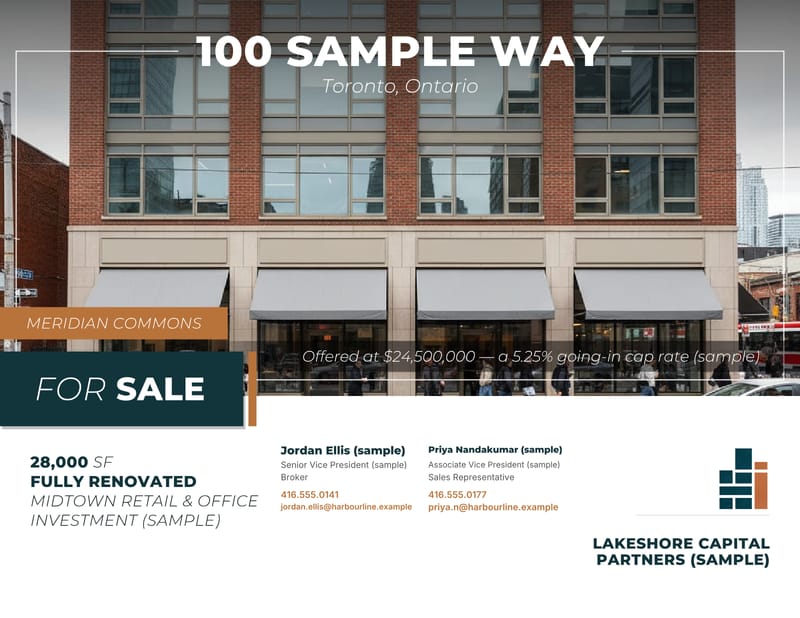 Cover
Cover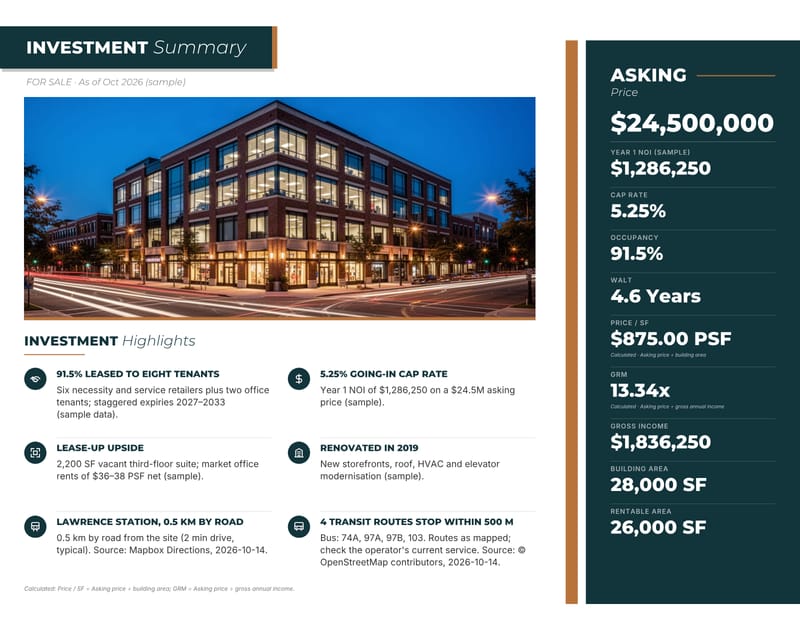 Investment summary
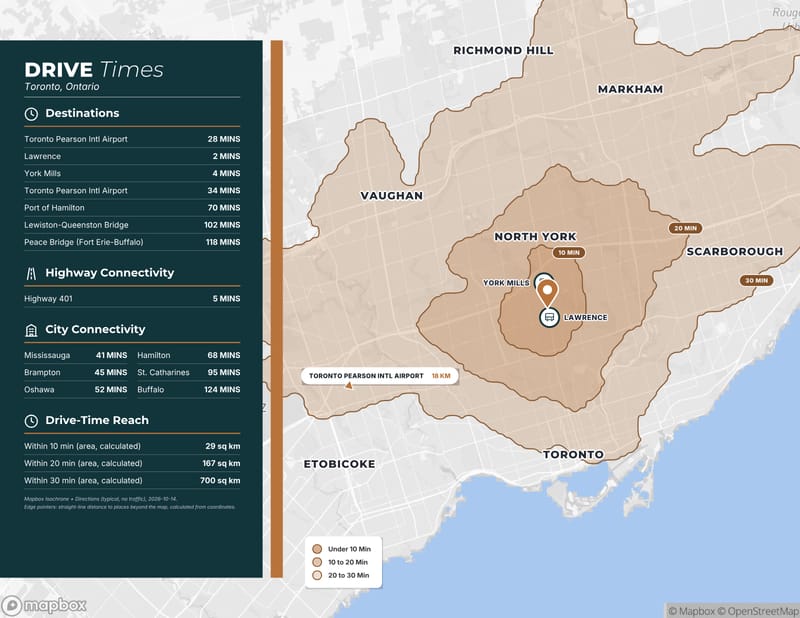 Drive times
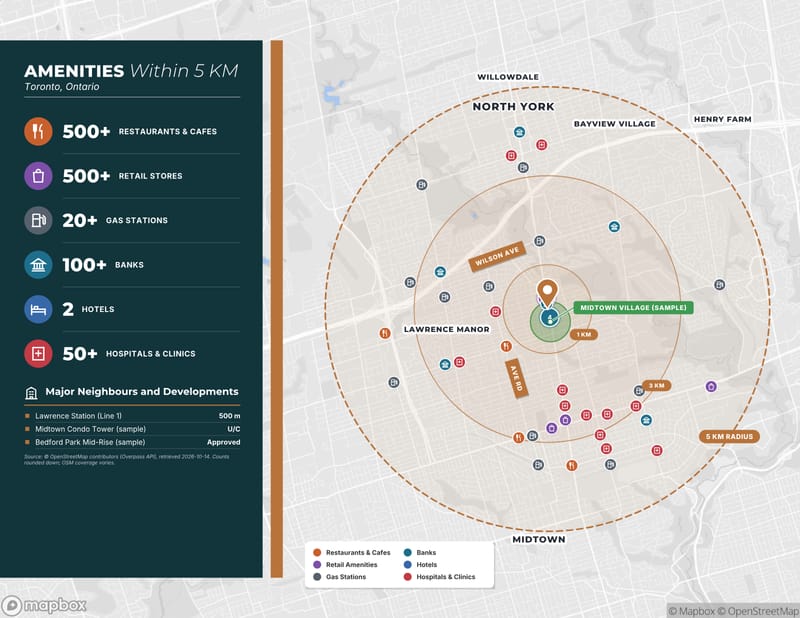 Amenities
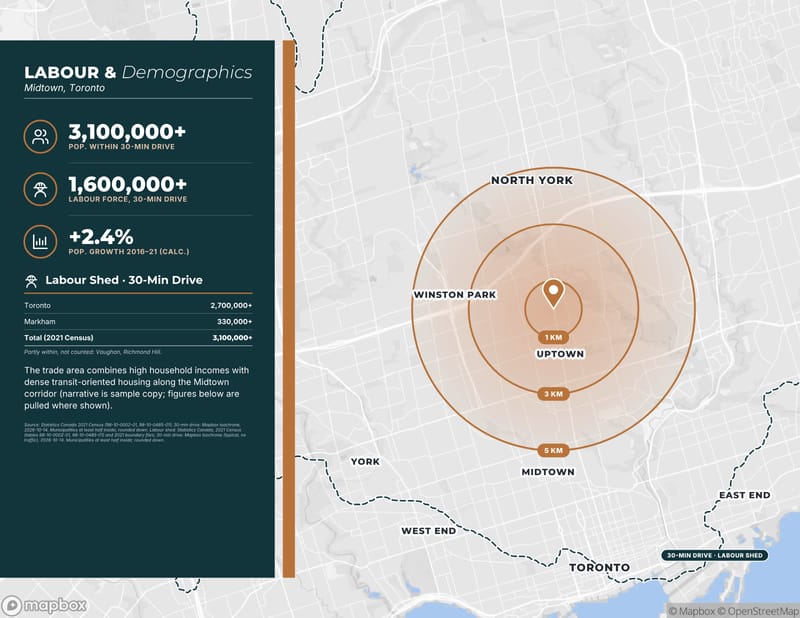 Demographics
How starting a listing works
OfferingStack turns the facts about a commercial property into a teaser, a brochure or an offering memorandum. You choose how to give it the facts, check what it found, and review every page before you pay.
Four ways to start
- Upload a fact sheet. PDF, Word, Excel, CSV, text or an image, up to 4 MB. The facts are pulled out for you to accept or correct.
- Paste text. Copy the details from an email or an existing listing.
- Start from an address. Any address in Canada or the United States; location data is looked up and sourced.
- Enter it yourself. Answer a few guided questions. Every field is optional except the address, a cover photo and your company name.
Pick the document
- Teaser. A short first look at the property for a wide audience.
- Brochure. Photos, highlights, maps and availability for marketing.
- Offering memorandum. The full package with financial, tenancy and location pages.
Pages with no data behind them are left out rather than filled with placeholders.
Any property, sale or lease
Industrial, office, retail, multi-family, land, mixed-use, hotel, self-storage and more, in English or French. You can see a fictitious example for each type on the sample pages.
New to this? Read Getting started, see where figures come from or check pricing. Questions: contact us.