How it works
From fact sheet to PDF in six steps.
You never face a blank template. OfferingStack starts from what you have and asks only for what the pages you chose still need.
- 01
Start
Upload a fact sheet, start from the property address, or enter details by hand. Old brochures, rent rolls and spreadsheets all count as fact sheets.
- PDF, Word, Excel, CSV, an image or pasted text
- An address is enough to begin
- Nothing is required up front
- 02
Review the facts
Facts found in your file are listed with the page and the exact words they came from. Tick the ones you want. Nothing is filled in that isn’t in the document.
- Each fact marked “from your fact sheet — verify”
- Untick anything that’s wrong or out of date
- 03
Choose the output
Teaser, marketing brochure or full offering memorandum. This sets the starting page set; you can change it later without re-entering anything.
- Teaser: 4 pages
- Brochure: 10–13 pages
- Full OM: every page your data supports
- 04
Answer the questions
You’re asked only what the chosen pages still need, most important first and grouped by page, so you can see what each answer changes.
- Answer it
- Skip the field: the page renders without it
- Skip the page: it’s removed from this output
- 05
Review the pages
See the page list with thumbnails. Add any page from the library, remove any page, and reorder. Pages without enough data are left out with a plain reason.
- No “N/A”, no empty boxes
- Add photos in bulk at any point
- 06
Preview and download
Sign in to generate. Your first document is shown free as watermarked page images. Buy that document, or subscribe, to download the clean print-ready PDF.
- One free preview per account
- Letter or A4 landscape, optional print bleed
Partial data
Leave things blank. The pages adapt.
Rows, tiles and sections without data don’t appear. If too little is left for a page to look right, it’s dropped and you’re told why. You can also leave out any page even when the data exists.
Outputs
Pick the document that fits the moment
4 pages
Teaser
For the first email to buyers or tenants.
- Cover
- Highlights and key metrics
- Best photo or location page
- Contacts
10–13 pages
Marketing brochure
A curated listing brochure in the institutional style.
- Cover and property details
- Photos
- Location and drive times
- Amenities and demographics
- Zoning
- Contacts and about
Every page your data supports
Full offering memorandum
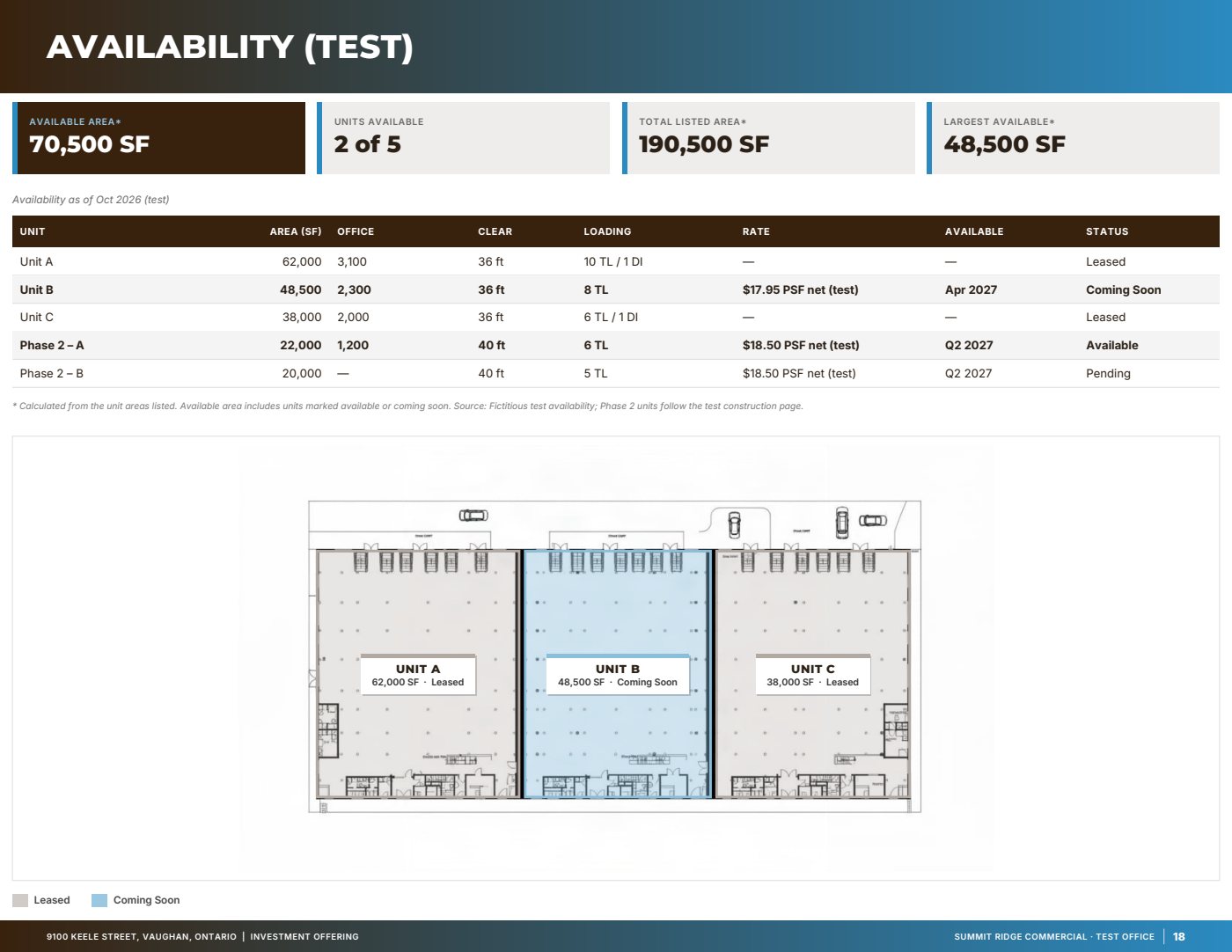
Tenancy, financials, market and location in depth. Our fictitious test listing runs to 58 pages.
- Executive summary and highlights
- Rent roll, lease abstracts, cash flow
- Financing and pricing
- Market, comparables and location
- Confidentiality agreement with fillable fields
Start with the fact sheet you already have.
Upload it, answer only what’s missing for the output you choose, and review a watermarked preview before you buy anything.