Deal room
Your OM and diligence binder, behind your agreement.
Buyers accept your confidentiality agreement on the listing website, get a personal link, and read the OM and your files page by page, stamped with their email. You see who is reading and decide who gets full diligence.
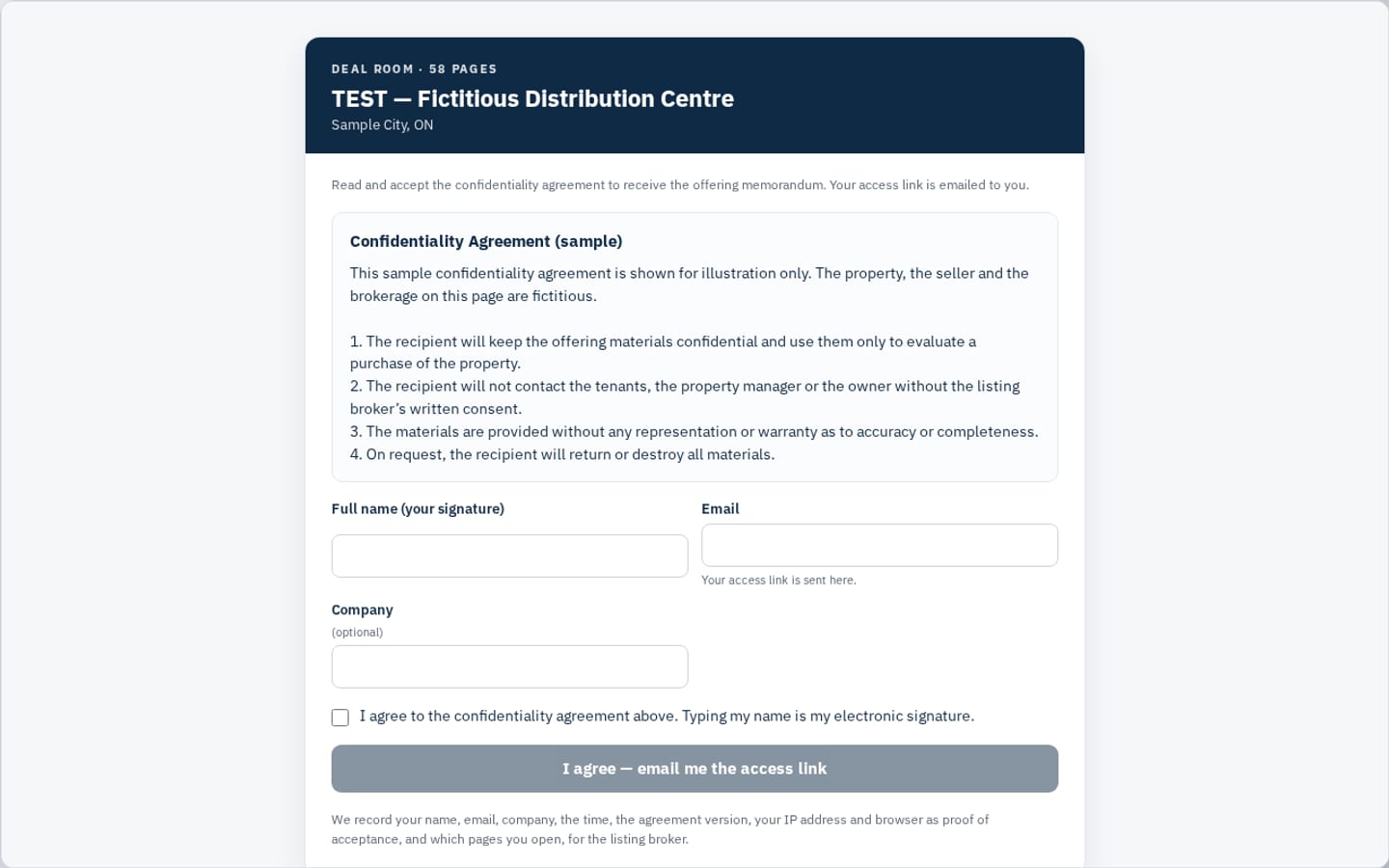
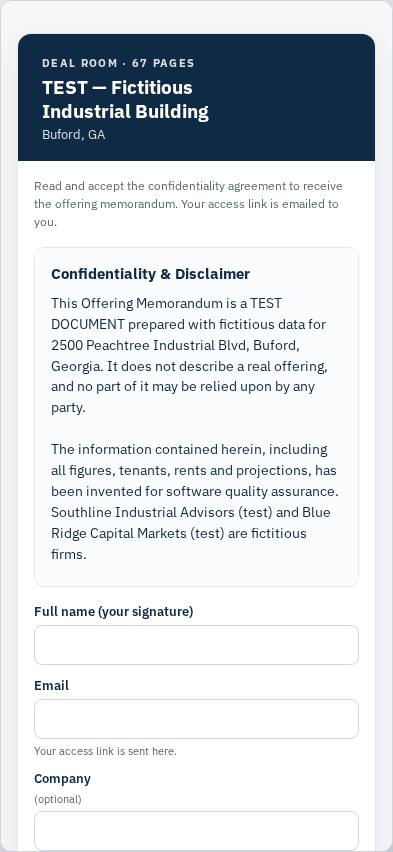
Screenshots of a fictitious test listing. The property, agreement text and brokerages are invented and marked “test”.
How it works
From interest to diligence, in four steps.
A buyer opens the room
From the deal room card on your listing website. They read your confidentiality agreement and sign it by typing their name.
A personal link by email
The link is valid 30 days and proves the email address. You are told who accepted, with their company.
They read, you see it
Your document opens page by page in the browser, each page stamped with the reader’s email and date. You see who opened what.
Full diligence when you say so
Approve a serious buyer and the second tier of folders opens for them. Withdraw access at any time.
What’s in the room
More than a PDF behind a form.
Confidentiality agreement first
Nothing in the room is visible until the buyer accepts your agreement.
- Your own agreement text, versioned: a changed agreement must be accepted again
- We record name, email, company, time, agreement version, IP address and browser as proof of acceptance
- Personal links only; withdraw anyone’s access in one click
Document library
The diligence binder next to the OM, in the folders buyers expect.
- Financials, Leases, Rent roll, Title & survey, Environmental, Building reports, Photos & plans, Other
- PDF, Excel, Word, JPG and PNG up to 50 MB each, 1 GB per room
- Upload a new version under the same name and the old one is marked superseded, never shown as current
- PDFs and images open as stamped pages; downloads only where you allow them
Staged release
Keep the sensitive folders for the buyers you have qualified.
- Tier 1 after the agreement: the OM and the files you mark tier 1
- Tier 2 for full diligence: you approve each buyer
- The buyer sees a note when more documents are available to them
Questions and answers
One place for buyer questions, at the bottom of the room.
- Answer privately, or share the answer with every viewer
- Shared answers never show who asked
- Buyers see their own questions and every shared answer
Activity you can act on
See who is reading, and how much, before you pick up the phone.
- Per buyer: pages seen, approximate reading time, files opened, last visit, tier
- Reading time is counted only while the room is on screen, and labelled approximate
- Export the full record as CSV: who accepted which agreement version, when, and what they opened
Price
One room per listing, billed monthly
- Free for 7 days, then $99 CAD/month per room. Cancel any time; the room stays open until the paid period ends.
- Included in the Team plan (3 rooms at once) and the Professional plan (1 room).
- If you don’t continue after the free 7 days, the room and its files are deleted; your listing and documents are kept.
- The listing itself needs a paid document or a plan. The free preview is watermarked and has no deal room.
See all prices · Property websites · Marketing tools · Terms
Open a room for your next listing.
Start from a fact sheet or an address. You’ll see a watermarked preview of your own document before you pay for anything.