The listing page or brochure you just saw was made with OfferingStack. Brokers use it to turn a fact sheet or an address into a brochure, offering memorandum, teaser or BOV, plus a listing page for buyers.
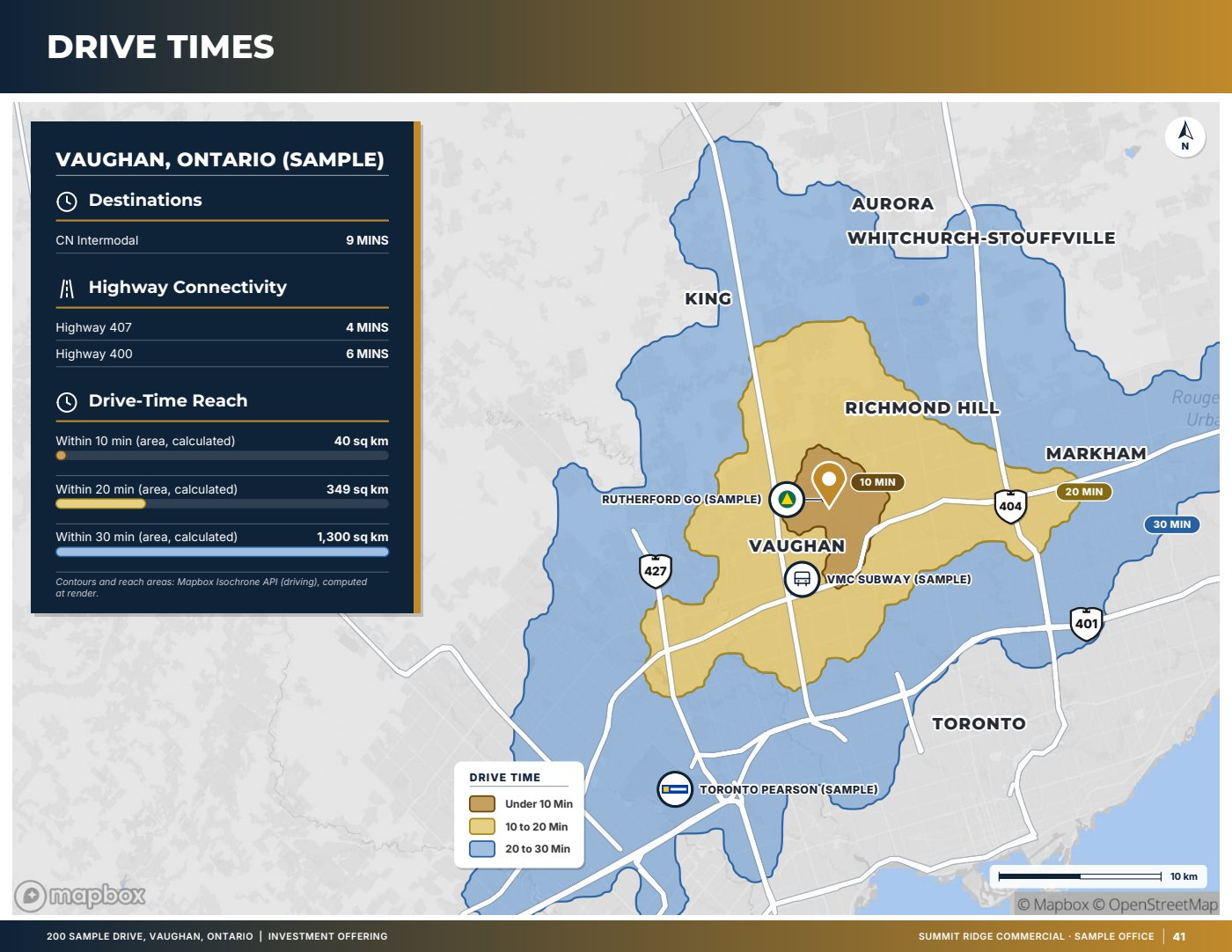
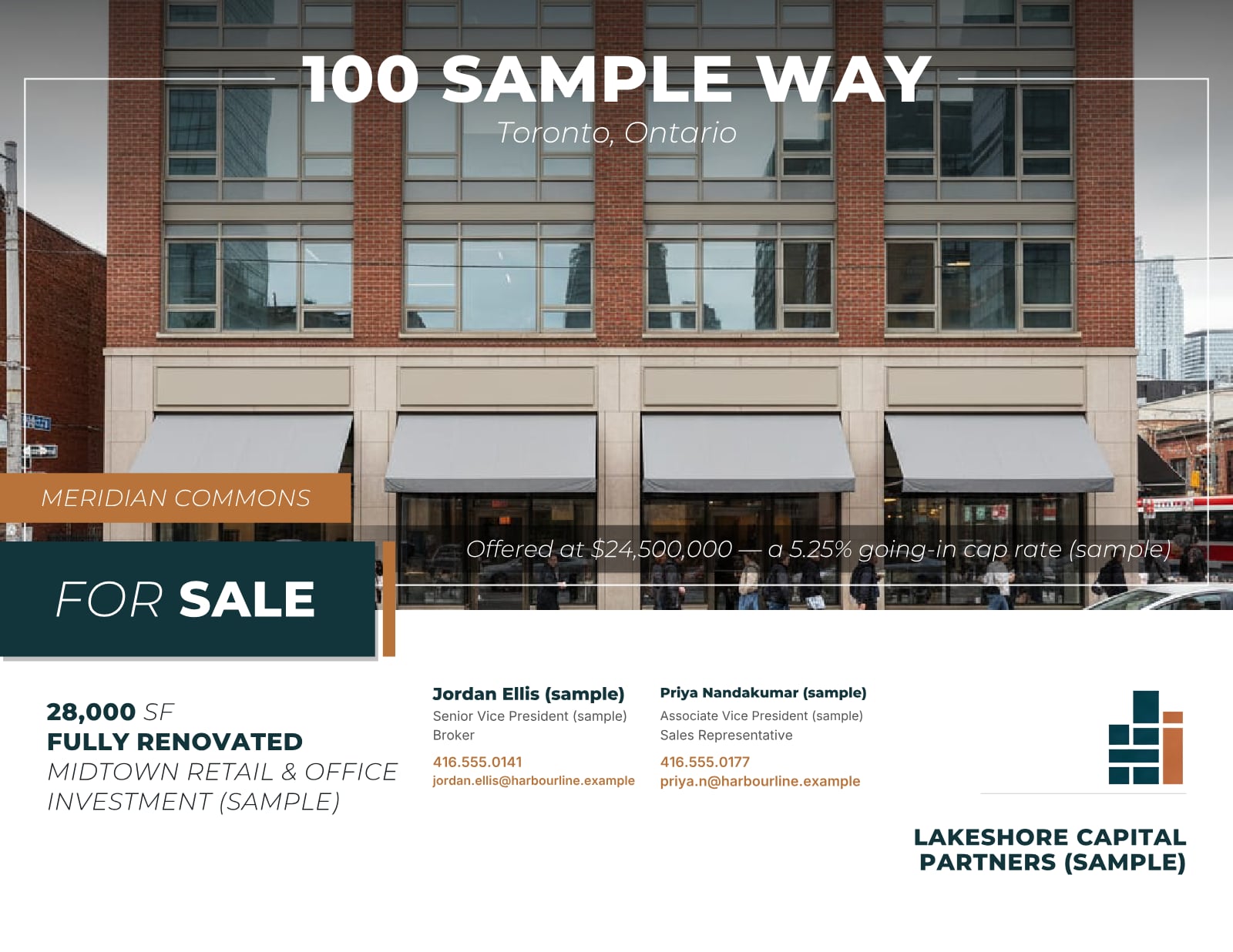
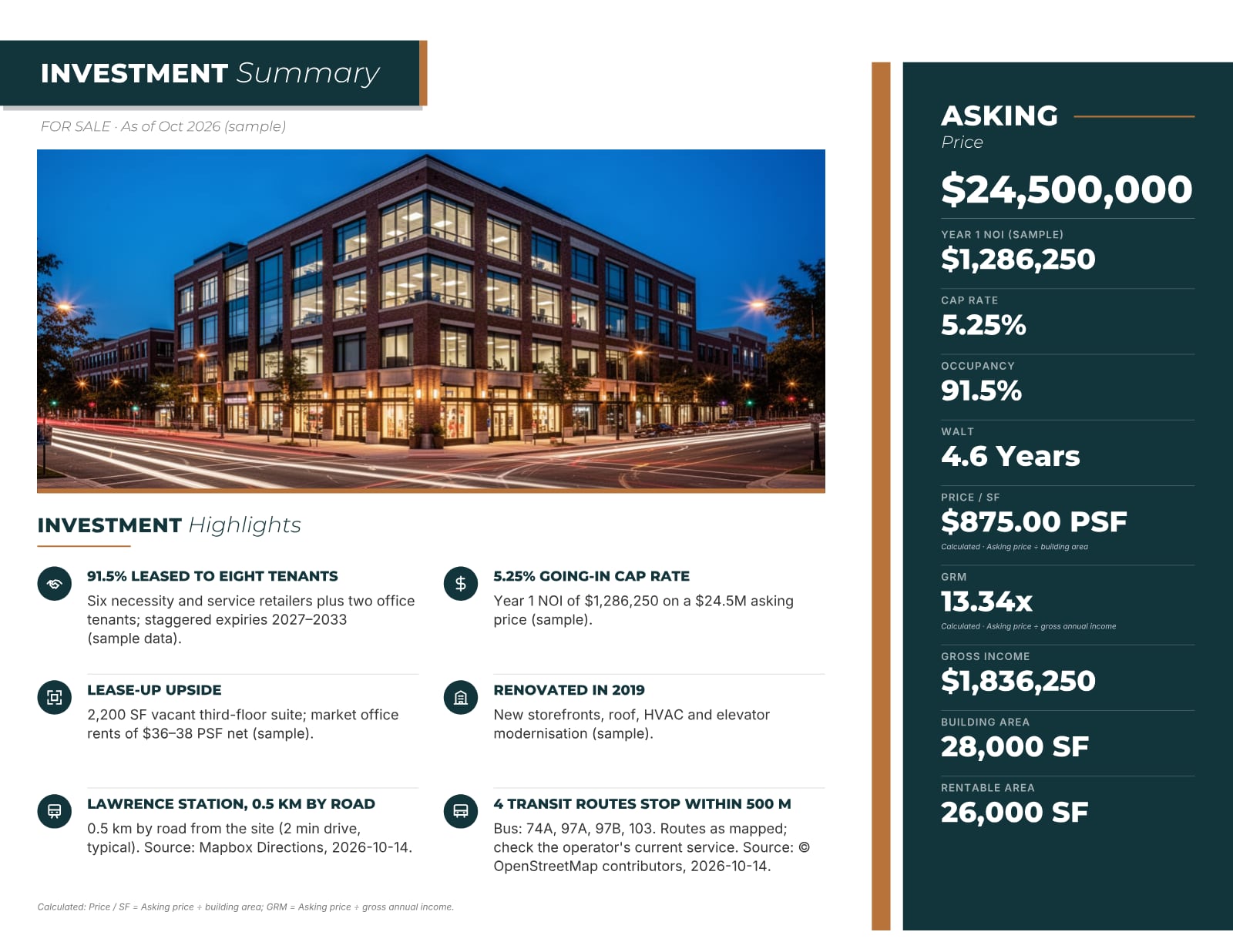
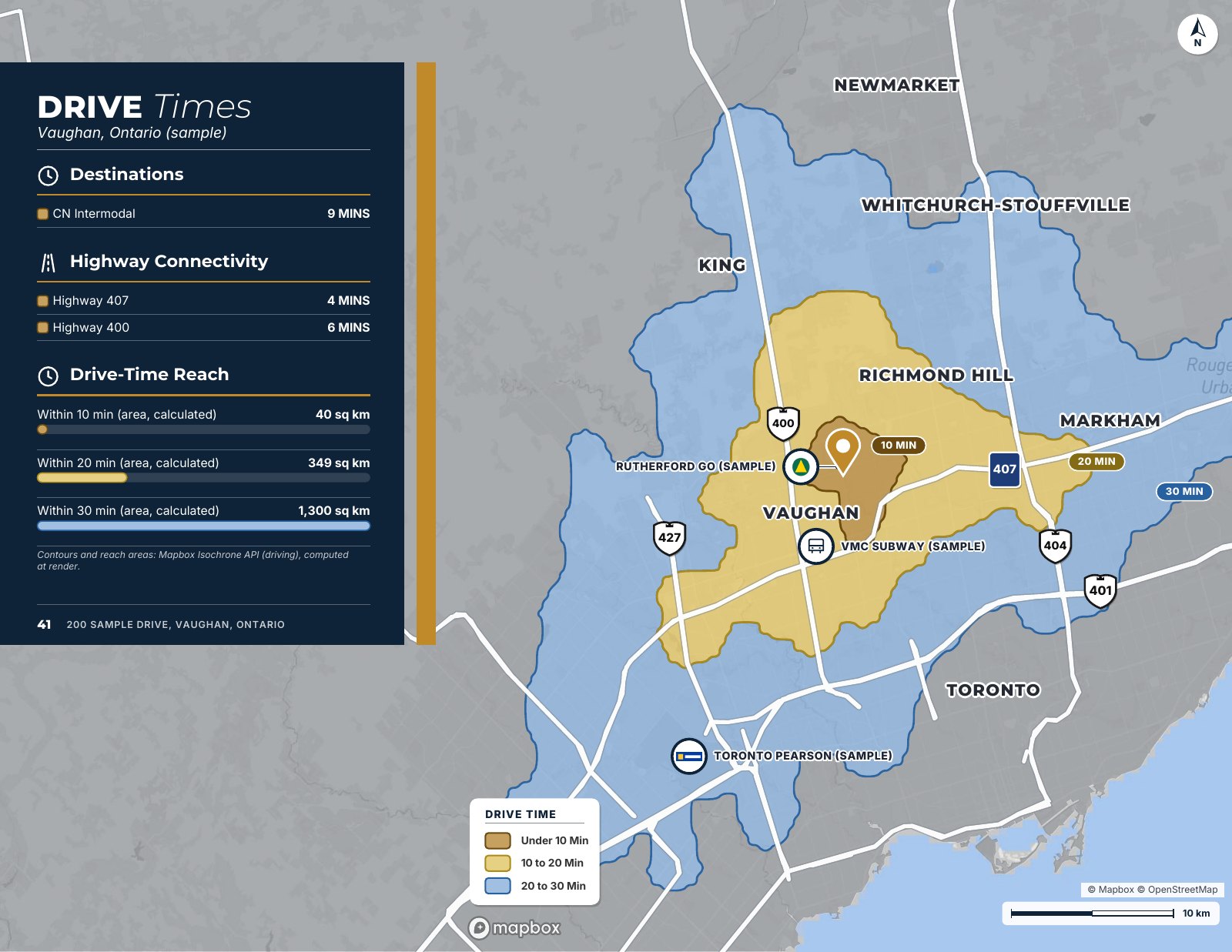
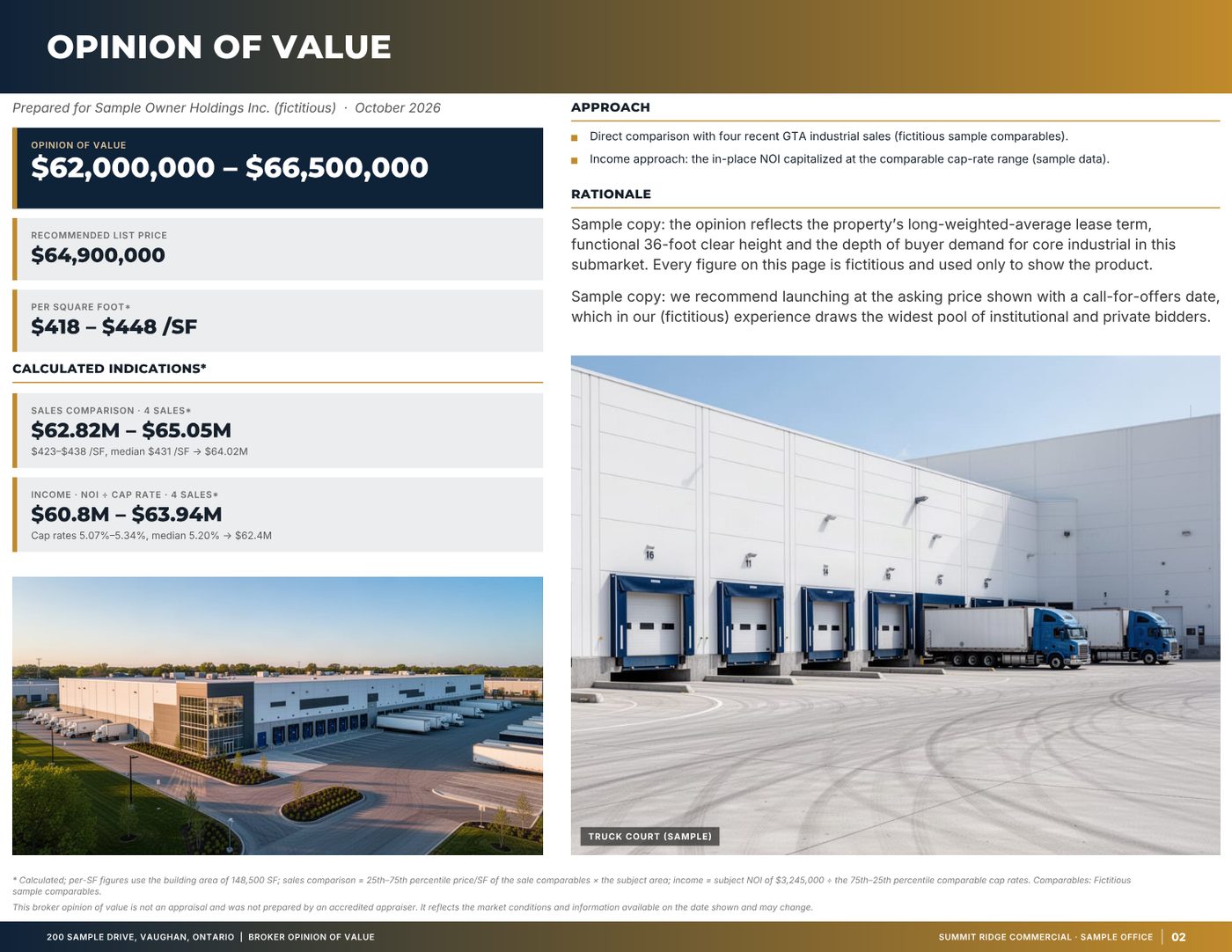
Sample · fictitious sample listing · p. 1CoverCover with the offer line and the listing team (invented brands).Sample · fictitious sample listing · p. 3Investment summaryAsking price, NOI, cap rate, occupancy and WALT; calculated values labelled.Sample · fictitious sample listing · p. 41Drive times10, 20 and 30-minute drive areas framed on the property, with highway shields, transit hubs and reach in square kilometres.Sample · fictitious sample listing · p. 2Opinion of valueValue range, recommended list price and the approach; calculated figures are labelled.
Sample — fictitious property. More on the sample pages.
How it works
Start with what you haveUpload the fact sheet or type the address. You answer only what is missing for the document you choose.
Review a watermarked previewSee the pages built for your listing: maps, drive times, demographics and financial pages, each with its source.
Publish and shareDownload the PDF and share the listing page with buyers. On a plan, credits renew every month.