AI offering memorandum generator
AI offering memorandum generator for commercial real estate
Nothing invented. Location data cites its source. Turn a fact sheet or address into a full CRE offering memorandum, calculated figures labelled.
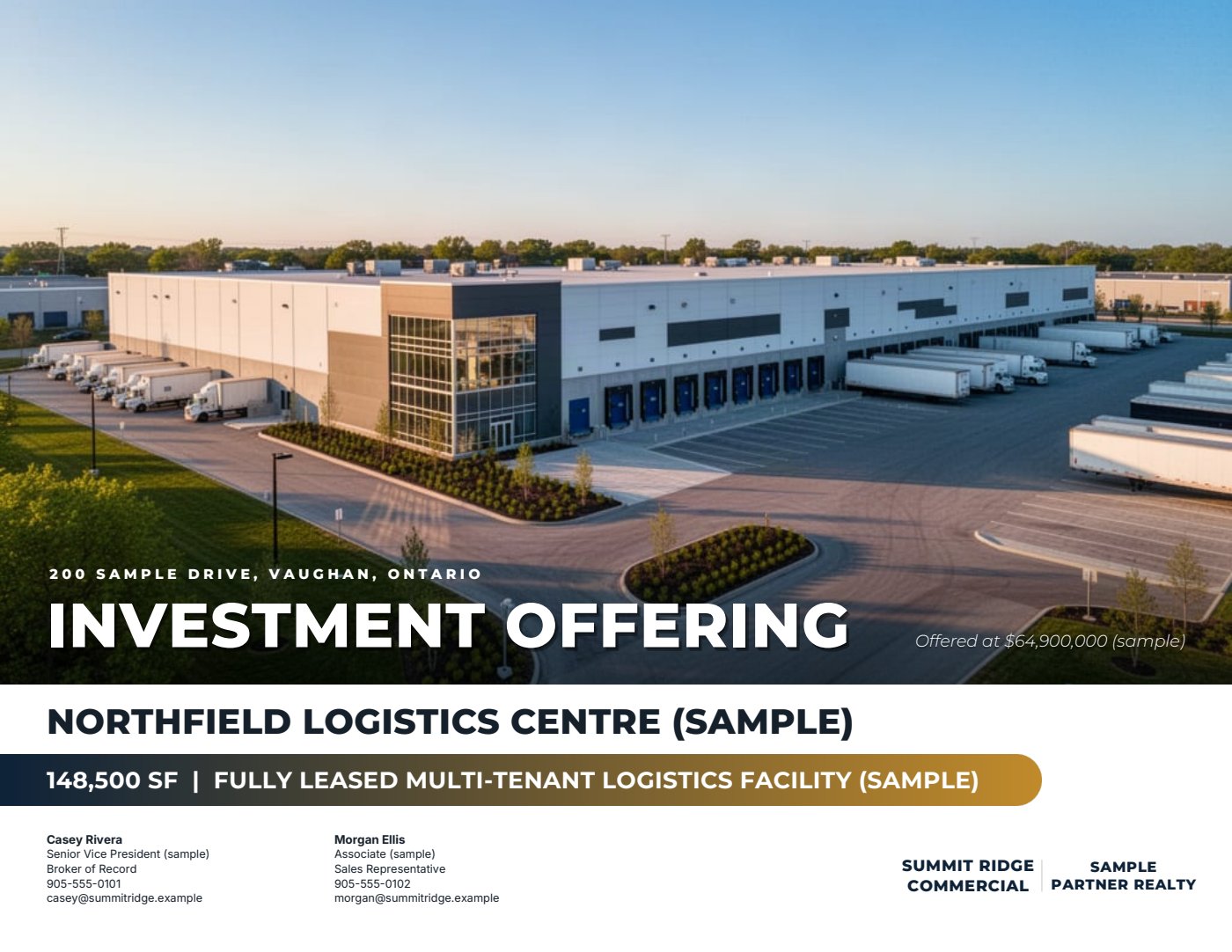
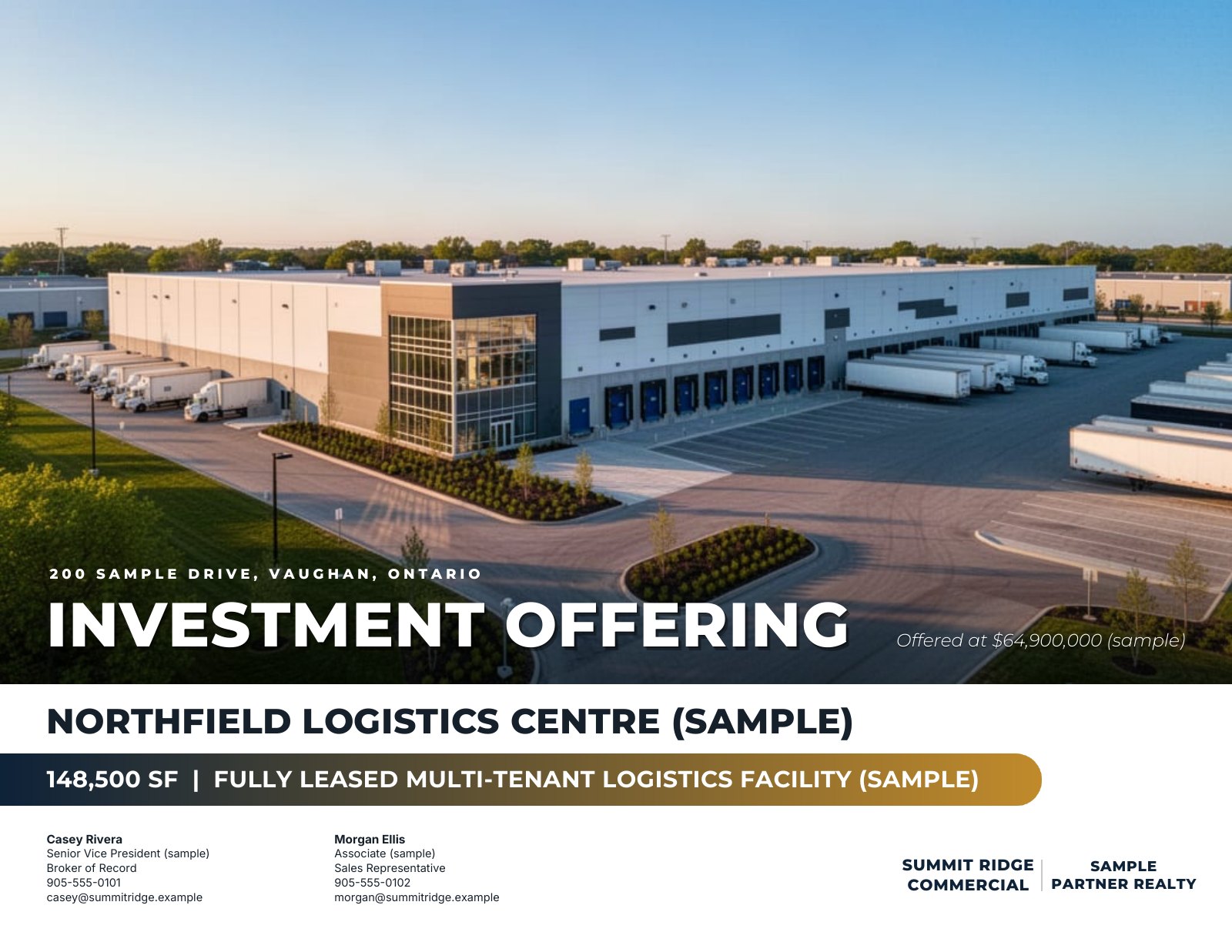
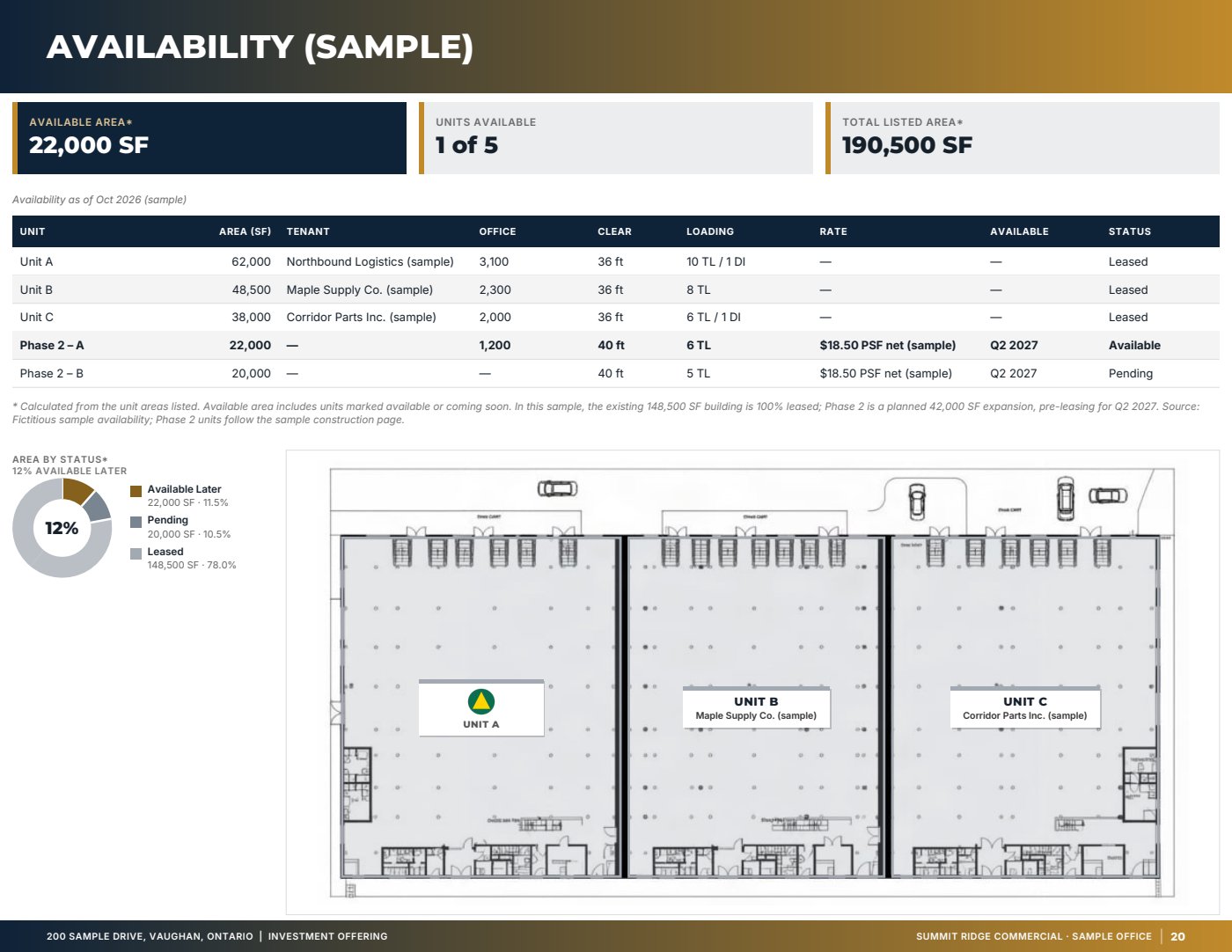
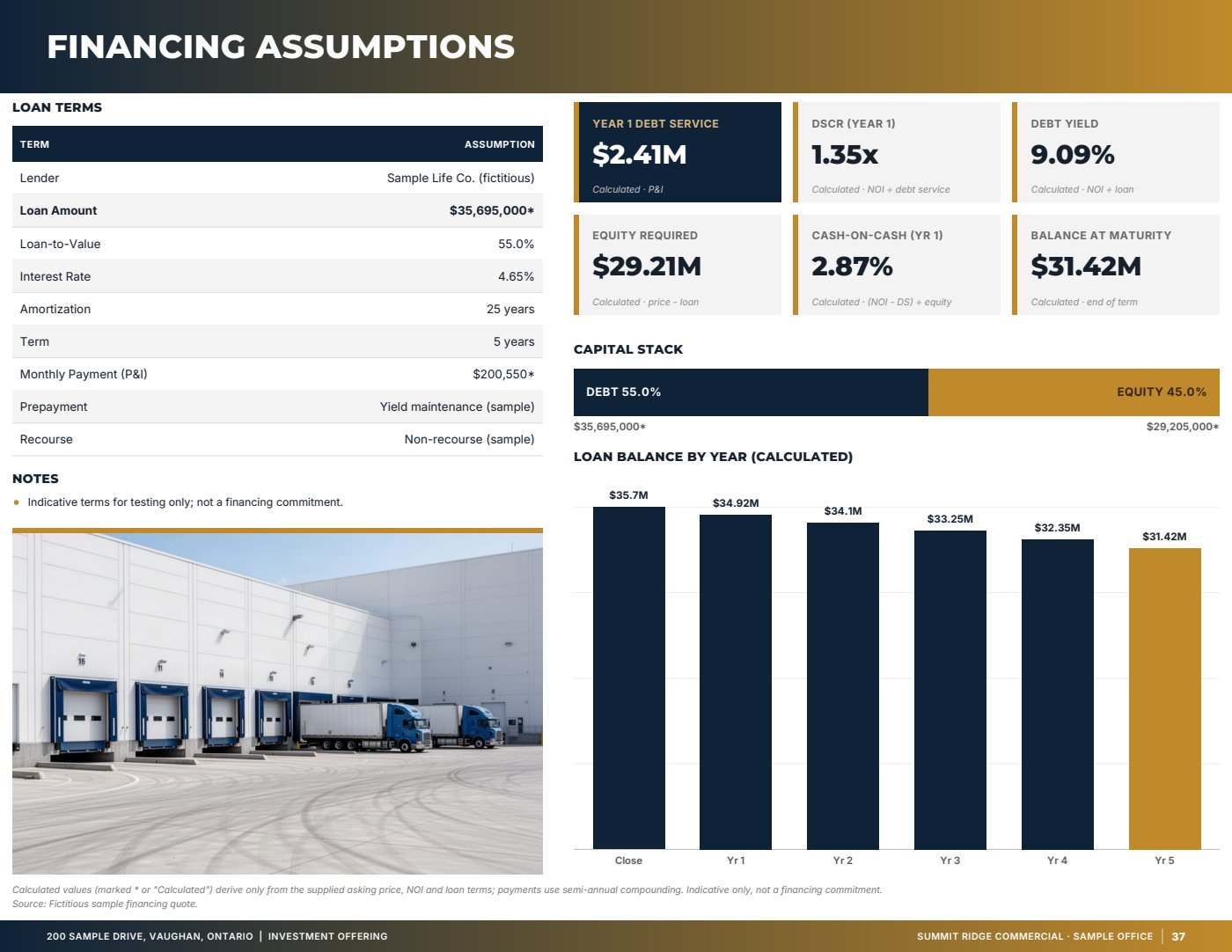
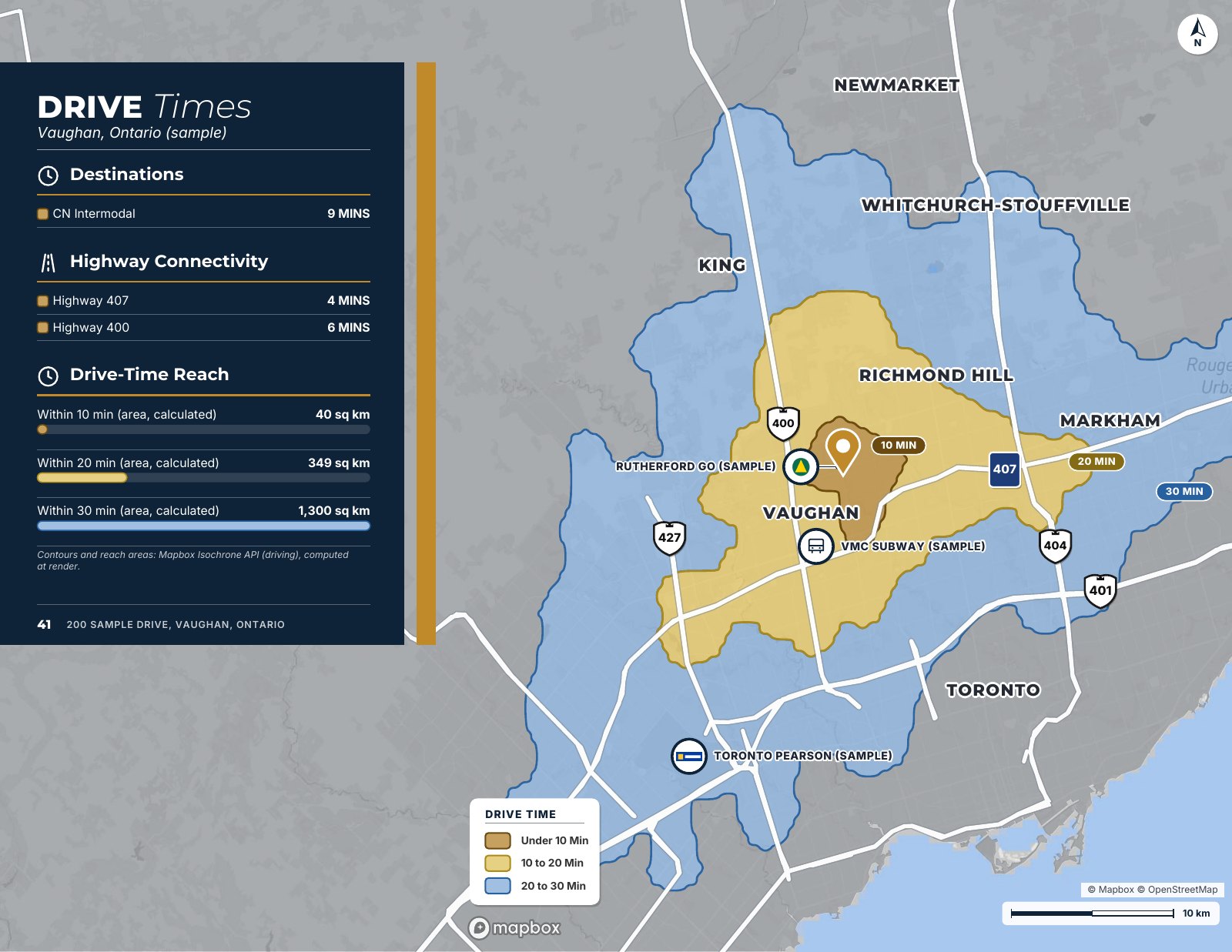
Sample — fictitious property. Pages generated by the product for an invented listing: the name, address, brands and deal figures are invented, as is any value marked (sample). Location pages print the source of their data.
An AI OM generator that does not make things up
Nothing invented. Location data cites its source. An offering memorandum is what a buyer underwrites from, so a confident wrong number costs more than a plain page. OfferingStack uses AI to read your files, research the location and draft the words, and keeps every figure tied to where it came from: your fact sheet, your own entry, a cited public source or a labelled calculation.
You stay the author. Nothing extracted or researched reaches a page until you accept it.
Where AI helps, and where it is not allowed to guess
The AI in OfferingStack does four jobs, and none of them puts a figure on a page by itself:
- Reading your files: facts are read from a fact sheet, rent roll or old brochure (PDF, Word, Excel, CSV, images or pasted text). Each one is shown with the page and the quote it came from and waits for you to accept it.
- Researching the location: zoning, demographics, the market, nearby occupiers, transit and infrastructure, each with a source link and a confidence level. You accept or reject each fact one at a time.
- Drafting copy: summaries and highlights are written from your accepted facts. Any drafted sentence with a figure that is not in your data is dropped, and before you generate, a number check lists any figure in your text that does not match your listing data.
- Placing photos: suggestions for the best page, the focus point and the alt text, applied only when you click.
Everything else is not AI. Maps, drive-time areas and amenity counts come from mapping and open-data services, demographics from official statistics, and calculated figures (cap rate, price per square foot, totals) from arithmetic on your numbers, labelled as calculated.
What the generated OM contains
A full OM includes every page your data supports, in landscape: cover and executive summary, investment highlights, property and site details, tenancy with the rent roll and lease abstracts, the operating statement and pricing metrics, financing and cash flow where you provide the inputs, zoning, location and market pages with drive-time maps and demographics, photos, the offering process, your team, and a fillable confidentiality agreement.
Pages without data are left out rather than printed empty, and the builder shows which pages are still thin so you can decide whether to add what they need.
Labelled figures, sourced location data
Every value in the builder carries a label saying how it got there: supplied by you, extracted from your file, researched with a source link, pulled from a mapping or open-data service, or calculated. On the finished pages, location and market data print with their source and date, and calculated figures are marked so a reader can check the arithmetic.
If the data for a page is not there, the page is left out, or the builder tells you what to add. Nothing is invented to fill a gap.
From fact sheet to finished OM
- Upload the fact sheet, rent roll or an older brochure, or start from the address.
- Accept or change each fact the AI read, with its page and quote beside it.
- Run research for the location and accept the facts you want, one at a time.
- Add photos, choose your colours, fonts and logo, and generate a free watermarked preview.
- Click any text on a page to change it, then pay for the clean, print-ready PDF.
Paid documents can also be exported as an editable PowerPoint version, and the same listing makes the teaser, brochure and broker opinion of value without re-entering anything.
What happens to your listing data
The AI features use a model provided by OpenAI, reached through our hosting platform. Only the content needed for the feature you use is sent, and your content is not used to train models. The details are in our privacy policy.
What stays with the broker
The positioning, the buyer pool, the investment highlights and the pricing are judgement calls, and the generator leaves them to you. You also remain responsible for reviewing every figure before the OM goes out. The labels and source links are there to make that review quick, not to replace it.
Try it on a real listing
Build a free watermarked preview of your own listing without a card, and look at every page before you decide. After that you can pay for a single document or choose a monthly plan; current prices are on the pricing page.
Frequently asked questions
Can AI write an offering memorandum?
AI can read your files, research the location and draft the summary and highlights, and OfferingStack lays out the pages. It does not invent figures: every value is extracted from your file, entered by you, researched with a source or calculated and labelled, and you accept each one before it is used.
Where do the numbers in the OM come from?
From you: what you enter or accept from your fact sheet and rent roll. Location and market data come from cited public sources and mapping services, and figures such as the cap rate on the asking price are calculated from your numbers and labelled as calculated.
What if my fact sheet is missing information?
The pages that need it are left out, or the builder tells you what to add. Nothing is invented to fill the gap.
Is my listing data used to train AI models?
No. Only the content needed for the feature you use is sent to the model provider, and your content is not used to train models.
Can I try it before paying?
Yes. You can build a free watermarked preview of your own listing without a card.
What these pages look like
Sample — fictitious property. Pages generated by the product for an invented sample listing with an invented brokerage brand. Figures marked (sample) are not real.
Related
Last updated 2026-11-03. General information for commercial real estate professionals, not legal advice.
Start with the fact sheet you already have.
Upload it, answer only what’s missing for the output you choose, and review a watermarked preview before you buy anything.