Property-type template
Medical office offering memorandum template for clinics and medical buildings
Medical office buyers and tenants ask questions an ordinary office listing does not answer: which specialties are in the building, how much of it they occupy, how long their leases run, and whether patients can park and find it. A medical office offering memorandum answers those first, from your rent roll and your facts.
Sample pages
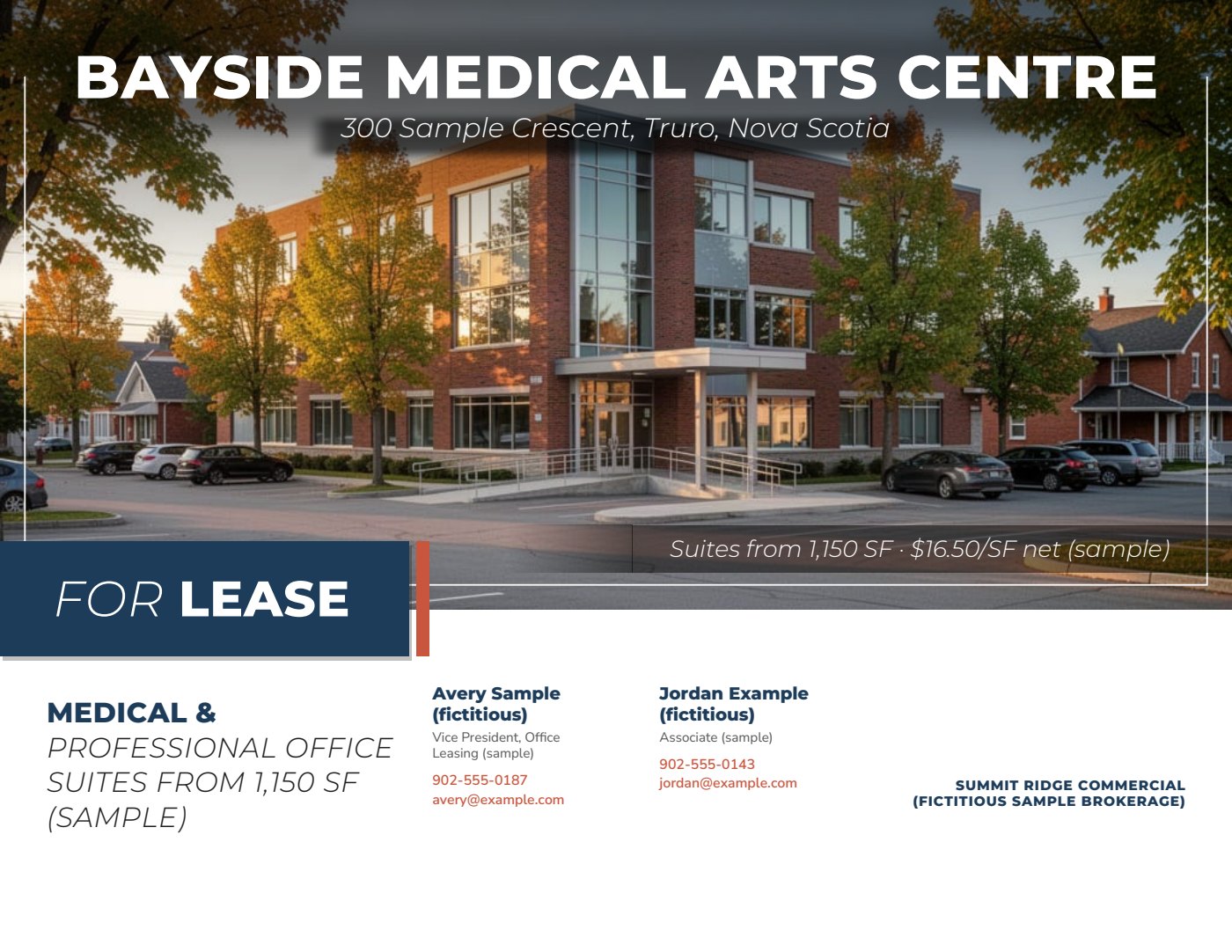
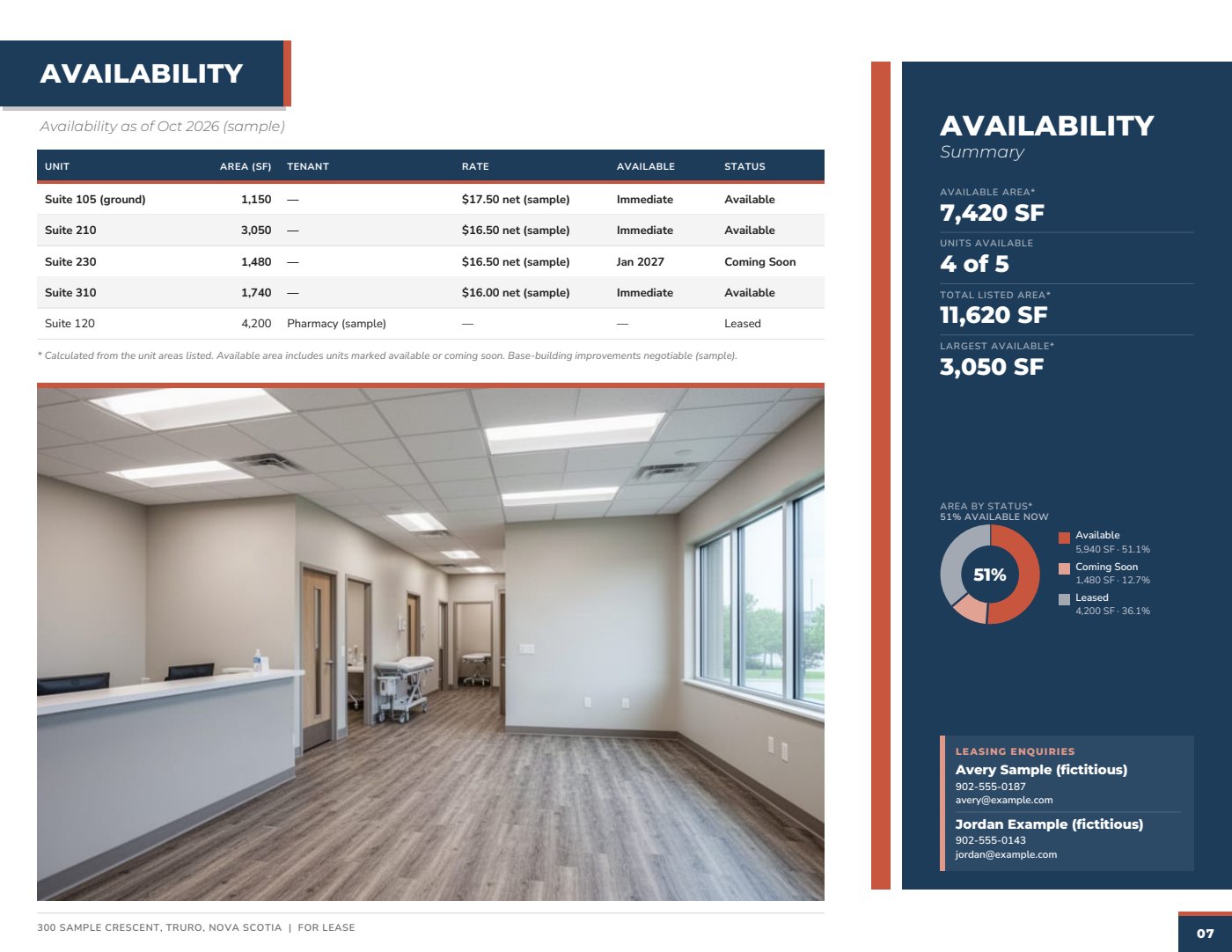
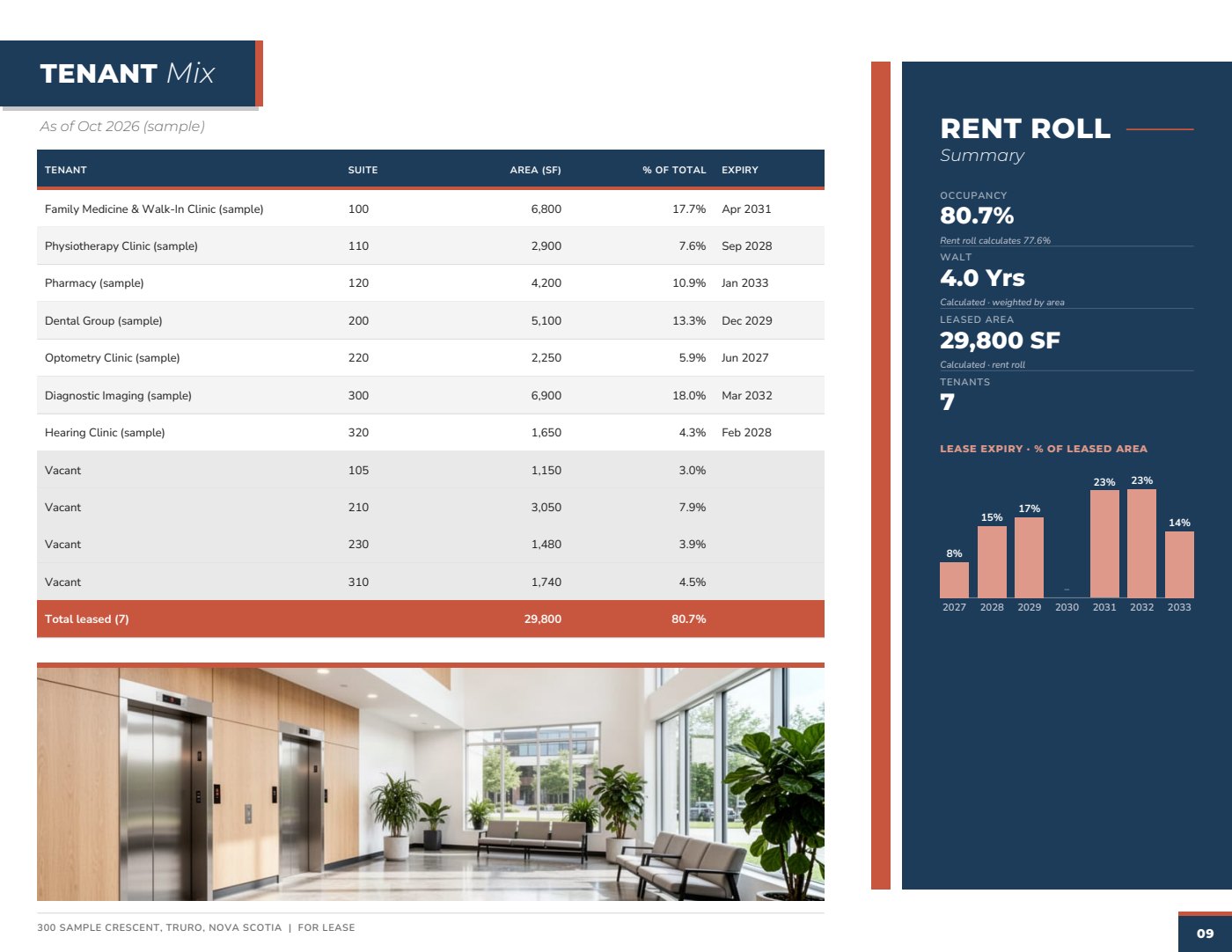
Sample — fictitious property. Pages generated by the product for “Bayside Medical Arts Centre”, an invented medical office building for lease with invented tenants and brokerage. Some photos in this sample are AI-generated and captioned as such.
Pages in a medical office offering memorandum
- Cover: FOR SALE or FOR LEASE with the offer line and your team.
- Executive summary and property highlights: space available now, parking and the nearest transit, each calculated or sourced.
- Building specifications and photos: the facts you type about the building, and photo pages sized to each image.
- Availability: every available suite with area, rate and possession date, with an availability summary and a status chart.
- Tenancy and rent roll: occupancy, WALT and a lease expiry chart, split across pages when the roll is long.
- Medical office tenancy: a tenant mix by clinical specialty, when at least three leased suites have an area and two or more named specialties cover at least half of the leased area.
- Floor plans: uploaded plans, with zones or numbered callouts if you add them.
- Financial overview, pricing and financing: for a sale with income, every calculated value labelled.
- Drive times, amenities, labour and demographics: around the building, each with source and year.
- Sources and references, then your contacts.
What medical tenants and buyers check first
- The tenant mix: which specialties, how much area each occupies and how long each lease runs.
- Patient access: parking, transit, accessible entrances and how far the nearest hospital or clinic cluster is.
- The space itself: suite sizes, plumbing in exam rooms, ceiling heights and any backup power.
- Lease terms: net rent and additional rent, the term and the date the suite is free.
- For a sale: income, expenses and NOI, with the basis and date of each figure.
For lease or for sale
A leasing OM leads with the suites that are available and what they cost to occupy. An investment OM leads with the income, the tenancy and the price. The same property file makes both, so you can lease up the building now and sell it later without retyping the facts.
What to bring
- A rent roll with suite, tenant, specialty, area, rent and expiry (Excel or CSV reads best)
- A list of available suites with area, rate and possession date
- Floor plans, and photos of the entrance, lobby and a typical suite
- Operating figures, for a sale
How it works
- Upload a fact sheet (PDF, Word, Excel, an image or a phone photo of a flyer), paste its text, or start from the address. Every extracted fact shows the page and words it came from and is marked “verify” until you accept it.
- Choose the full offering memorandum. Pages print only when the listing has the data for them, so a short medical listing is shorter rather than padded with empty boxes.
- Add, remove and reorder pages, then review a watermarked preview of your own listing before you buy anything.
Common questions
- Does the tenant mix page show tenant names?
- It groups leased area by clinical specialty from your rent roll. The rent roll page shows the tenants you enter; you decide what goes in it.
- What if I only have one or two medical tenants?
- The medical tenancy page needs at least three leased suites with an area. Without them, the tenancy and availability pages carry the information instead.
- Can I make a lease version and a sale version?
- Yes. Both come from the same property file. Choose the transaction and the pages follow it.
- Can I edit the OM in PowerPoint?
- Yes. A paid document can be downloaded as a PDF and as an editable PowerPoint (.pptx) file, so you or your designer can adjust any page after it is built.
- Can I see it before I pay?
- Every account can make one watermarked preview of its own listing and review the pages before buying anything.
Related pages
- Medical office offering memorandum example
- Medical office building brochure template
- Marketing medical office space for lease
- Office building OM template
- Rent rolls and lease abstracts
- Tenant profiles and covenant
- Office lease due diligence checklist
- WALT calculator
- Commercial rent calculator
- Parking ratio calculator
By property type: Land · Hotel · Self-storage · Seniors housing · Parking · Sublease
By city: Toronto · Chicago · Vancouver · Seattle · Calgary · Denver · Montreal · Boston
Guides: All guides · All templates · Sample pages · Pricing
See your own building as a medical office OM.
Upload your rent roll or fact sheet and review a watermarked preview of your pages before you buy anything.