CRE marketing guide
Commercial property websites: what to put on a single-property listing page
What a single-property website for a commercial listing should contain, how to share it by email, LinkedIn and a sign QR code, and Ontario rules.
Why a listing needs its own page
A brochure is a file; a property page is an address. When a listing has its own web page, every channel can point at the same place: the sign on the lawn, the email blast, a LinkedIn post, a co-operating broker’s text message. The page can be updated when the asking price, availability or offer date changes, while a PDF that has already been forwarded cannot.
A single-property page also works where attachments don’t. Many corporate mail filters strip or quarantine large PDFs, and people browsing on a phone would rather tap a link than download a 20-page document. The page gives them enough to decide whether to ask for more.
What to put on the page
Think of the page as the brochure’s first two spreads, built for a screen. In order:
- A hero photo and the property name or address, with the transaction (for sale, for lease) and the asset type.
- A one-line headline: the single strongest reason to look at this property.
- Key facts in label–value rows: size, site area, zoning, clear height or other specs that matter for the asset type, and the price or rent if the seller allows it.
- Three to five investment or leasing highlights, each backed by a fact.
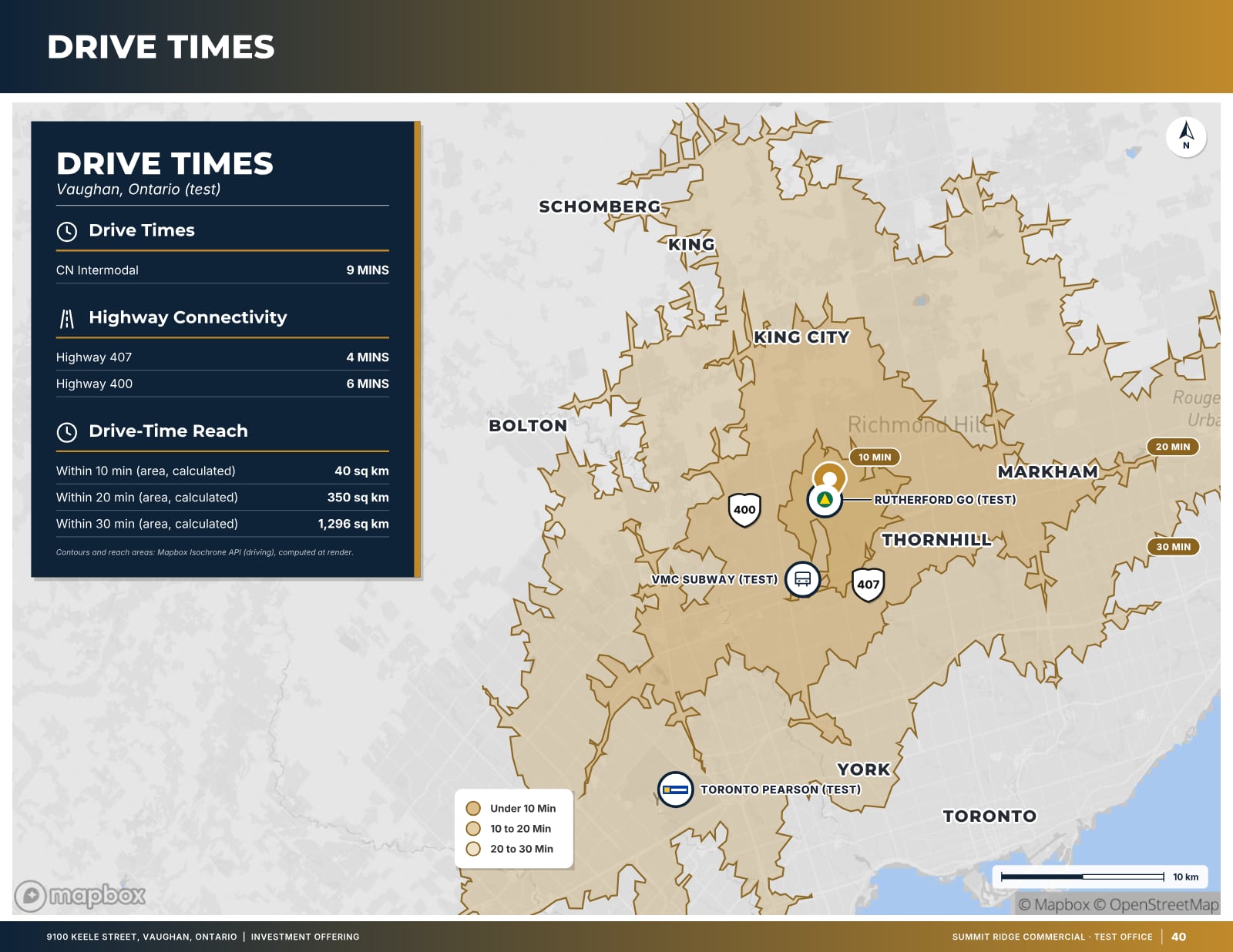
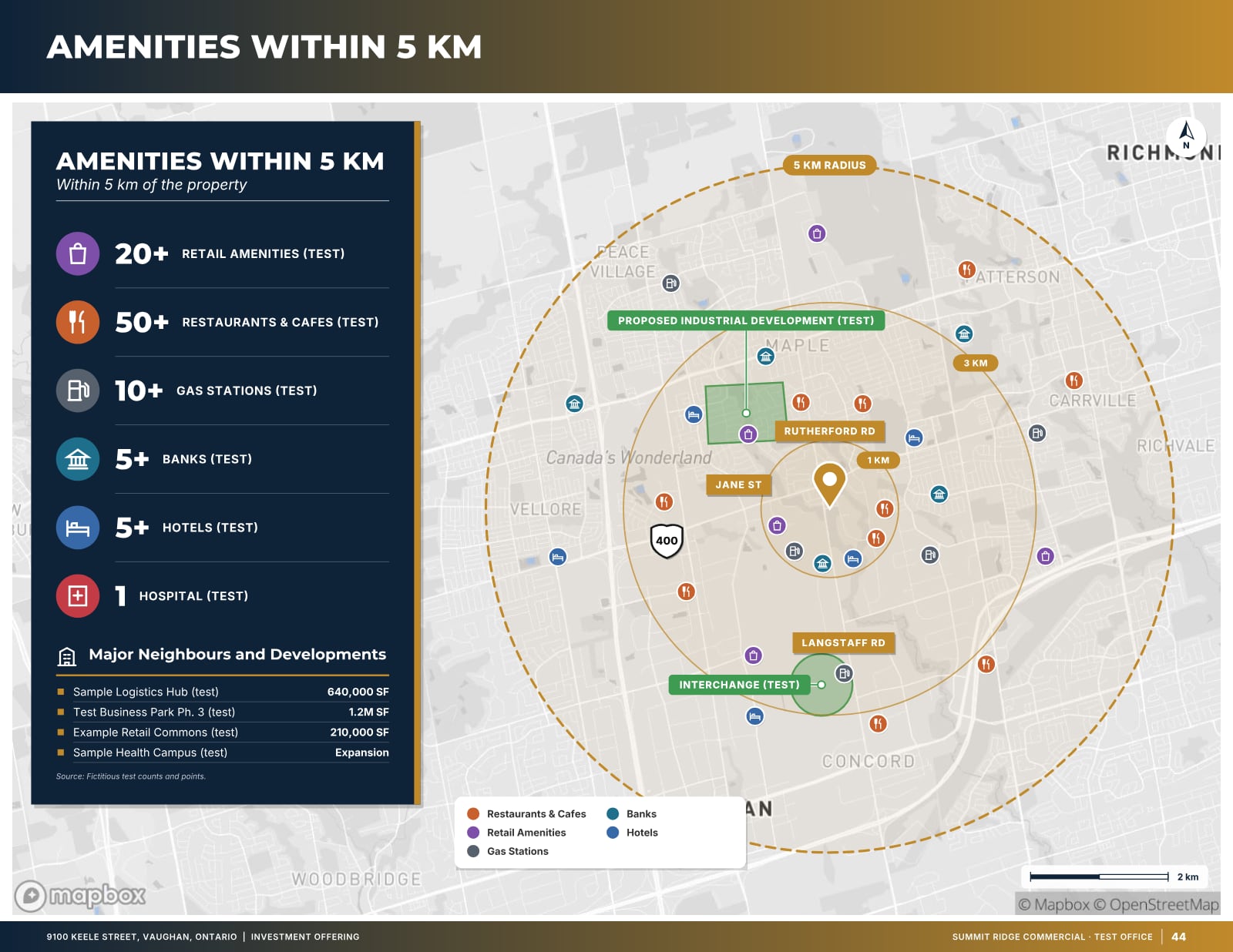
- A short location section with a map, and the drive times or amenities that matter to the likely buyer or tenant.
- A photo gallery with real, current photos.
- The listing brokers’ names, photos, phone numbers and email addresses, and the brokerage’s name.
- One clear call to action: request the offering memorandum, book a tour, or download the brochure.
Leave out anything that should sit behind a confidentiality agreement: the rent roll, tenant names if they are sensitive, operating statements and internal valuation work.
Gate the detail, not the basics
The usual pattern is an open page with a short form for the full package: name, company, email and phone, and a checkbox or note about the confidentiality agreement if one is required. That gives the listing team a list of real prospects without making a casual browser fill in a form to learn the size of the building.
Respond quickly. A page that collects requests but leaves people waiting a day for the OM loses the advantage it created.
Keep the form short and explain what happens next, for example “The listing team will email the confidentiality agreement and the offering memorandum.” Ask only for what you will actually use, and say how the details will be handled.
Sharing the page
- Email blast: link the headline and the hero image to the page rather than attaching the brochure. Follow CASL for commercial electronic messages: consent, identification and an unsubscribe mechanism.
- Sign and print: put a QR code on the sign rider, the flyer and the window card. Test it with two different phones before printing, and make sure the page is mobile-friendly, because almost everyone who scans will be on a phone.
- LinkedIn and messaging apps: these build a preview card from the page’s title, description and share image. Check the preview before posting; a page without a proper share image shows up as a bare link.
- Co-operating brokers: send them the page link with a short note, so their clients see the same, current information.
Tag each link with its source (for example ?src=sign or ?src=email) so you can tell which channels are producing visits and report that back to the seller.
Ontario notes
This is general information, not legal advice; check with your brokerage’s compliance contact.
- Brokerage name: advertising by a registrant under TRESA (administered by RECO) must clearly identify the brokerage by its registered name. A property page is advertising, so show the brokerage name on it, not only the agent’s.
- Accessibility: under the AODA’s Integrated Accessibility Standards, Ontario businesses and non-profits with 50 or more employees must make their public websites conform to WCAG 2.0 Level AA, with limited exceptions. See ontario.ca for the current requirements. Good practice for everyone: real alt text on photos, sufficient colour contrast, readable text sizes and forms that work with a keyboard.
- Accuracy: the same rules about misleading advertising apply to a web page as to a brochure. Keep sizes, prices and availability current, and take the page down or mark it sold or leased when the deal closes.
Search engines and link previews
A listing page usually isn’t meant to rank in Google for months; it is meant to be shared. Even so, give it a descriptive title (“Industrial building for sale, 48,000 sq ft, Mississauga”), a one-sentence description and a share image, and make sure that information is in the page’s HTML rather than loaded later by JavaScript, because link-preview robots don’t run scripts. Once the property has sold or leased, take the page down or keep it out of search results.
How OfferingStack handles it
For a paid document, OfferingStack can publish a listing page at offeringstack.com/l/<name> in the broker’s brand colours. It shows only facts that are already in the offering memorandum or brochure, leaves out fields with no data, and shows the asking price, cap rate or NOI only when the broker allows price on the page. Visitors can request the OM through a form that goes to the listing broker, and page views are counted by source (for example sign, flyer or email) for the seller report. Internal notes, valuation work, comparables and tenancy details are never shown on the page.
Whatever you use to build it, review the page on a phone before you share it, exactly as you would proof a brochure.
Keeping the page current
A property page is only useful while it is right. Agree with the seller who owns updates and how quickly they happen, and put the page on the same checklist as the brochure whenever something changes:
- Price changes or a move from unpriced to an offer date.
- Units leased or added on a multi-tenant building, and the availability table that goes with them.
- New photos after a clean-up, a renovation or a change of season.
- A confidentiality agreement, data room or tour schedule that becomes available.
- Conditional, firm and closed status, and the date the page should come down.
Show an “updated” date on the page. Buyers and co-operating brokers trust a page more when they can see that someone is maintaining it, and it helps you spot stale listings in your own portfolio.
Measuring what the page does
Sellers want to know that their property is being marketed, and a property page gives you numbers to report instead of impressions. Keep the measures simple and honest: how many visits the page had, where they came from (sign, email, LinkedIn, co-operating brokers), how many people requested the OM, and how many of those signed a confidentiality agreement or toured. Week-over-week trends are more meaningful than a single total.
Avoid reporting vanity numbers. A spike in visits from a social post that produced no inquiries is worth knowing, but it isn’t a result. The useful question for the seller is which channels produced qualified buyers or tenants, and the source tags on your links answer it.
What these pages look like
Sample pages are generated by the product from a fictitious test listing (9100 Keele Street, "Summit Ridge Commercial" test brand). Figures marked (test) are not real.

Related
Last updated 2026-10-14. General information for commercial real estate professionals, not legal advice.
Start with the fact sheet you already have.
Upload it, answer only what’s missing for the output you choose, and review a watermarked preview before you buy anything.